Choosing the Right Seating Arrangement for Meeting Formats
We help you find the right seating arrangement for your meeting.
The Right Seating Arrangement for Different Meeting Formats
Choosing the right seating arrangement for a meeting is crucial to its success. Depending on the type of event, the number of participants, and the desired level of interaction, there are various ways to optimize the room setup. While some meetings require a clear frontal presentation, others focus on discussion and collaboration. Below, we introduce the most common seating arrangements and explain which purposes they are best suited for.
Theater Seating – Ideal for Presentations and Large Events
The theater seating, also known as row seating, is one of the most commonly used arrangements for large events. The chairs are placed in straight rows behind one another, similar to a cinema or theater. This setup allows for the maximum number of participants to be accommodated while ensuring an unobstructed view of the speaker or presentation.
This seating style is particularly suitable for events where little to no interaction between participants is required, such as keynote speeches, product presentations, or large training sessions. However, a drawback is that there are no tables available, making it difficult to take notes. Additionally, conversations between participants are limited, making this format more suitable for passive listening scenarios.
Classroom Seating – Ideal for Trainings and Seminars Requiring Note-Taking
Similar to theater seating, classroom seating is an arrangement where participants sit in rows. However, the key difference is the presence of tables, allowing attendees to take notes or use work materials. This format is commonly used for seminars, training sessions, or conferences where participants are expected to engage actively with the content rather than just listen.
Classroom seating offers more comfort than traditional row seating but also requires more space. Additionally, interaction between participants remains limited, as the seating arrangement primarily directs attention toward the speaker or presentation.
U-Shaped Seating – Ideal for Interactive Meetings and Workshops
If an event involves not only a presentation but also interaction and discussions, U-shaped seating is a great choice. In this arrangement, chairs and tables are set up in an open U-shape, allowing participants to see both the facilitator and each other.
This seating style is particularly suitable for workshops, interactive training sessions, or discussion rounds where active exchange among attendees is desired. The open space in the center can be used by the speaker or facilitator to move freely and present content. However, U-shaped seating requires a lot of space and is best suited for small to medium-sized groups, as visibility and communication can become challenging with too many participants.
Block Seating – Ideal for Meetings and Team Discussions
The block seating or conference seating arrangement is a classic setup for meetings that focus on collaboration. Participants sit around a rectangular or oval table, allowing them to see each other directly. This format is commonly used for board meetings, team meetings, or small-group discussions.
A major advantage of this arrangement is that it facilitates discussions on equal footing, enables joint decision-making, and allows for direct idea exchange. However, block seating is less suitable for larger groups or events with a lecture-style format, as not all participants have an optimal view of a potential presentation area.
Herringbone Seating – A Flexible Solution for Hybrid Meetings
A lesser-known but highly effective seating arrangement is herringbone seating. In this setup, chairs and tables are arranged in a slightly staggered zigzag pattern, allowing participants to see both the presenter and their group partners.
This type of seating is particularly well-suited for training sessions and workshops that involve both presentations and group work. It combines the benefits of classroom seating with improved opportunities for collaboration. However, this arrangement requires more space and careful planning to ensure that all participants have a clear view.
Cabaret Seating – For Networking Events and Conferences with Catering
Cabaret seating, also known as open banquet seating, is particularly popular for events designed to encourage networking and interaction. In this arrangement, participants sit at round tables but only on one side, ensuring an unobstructed view of a stage or presentation.
This format is ideal for conferences with catering breaks, gala events, or workshops that promote discussion in small groups. However, it requires a significant amount of space and often limits the number of participants that can be accommodated in a room.
The right seating arrangement for every meeting
The choice of seating should be based on the specific requirements of the meeting. For large presentations and speeches, theater seating is the best option, while classroom seating is ideal for training sessions. Interactive workshops benefit from U-shaped or herringbone seating, whereas team meetings and boardroom discussions are best suited to block seating. Events with a networking focus or catering are most effectively arranged with cabaret seating.
Before planning a meeting, it’s essential to consider the objectives and how the space can be used most efficiently. Choosing the right seating arrangement can significantly enhance productivity, interaction, and overall meeting efficiency.
arbooMEET – Smart Solutions for Modern Meetings
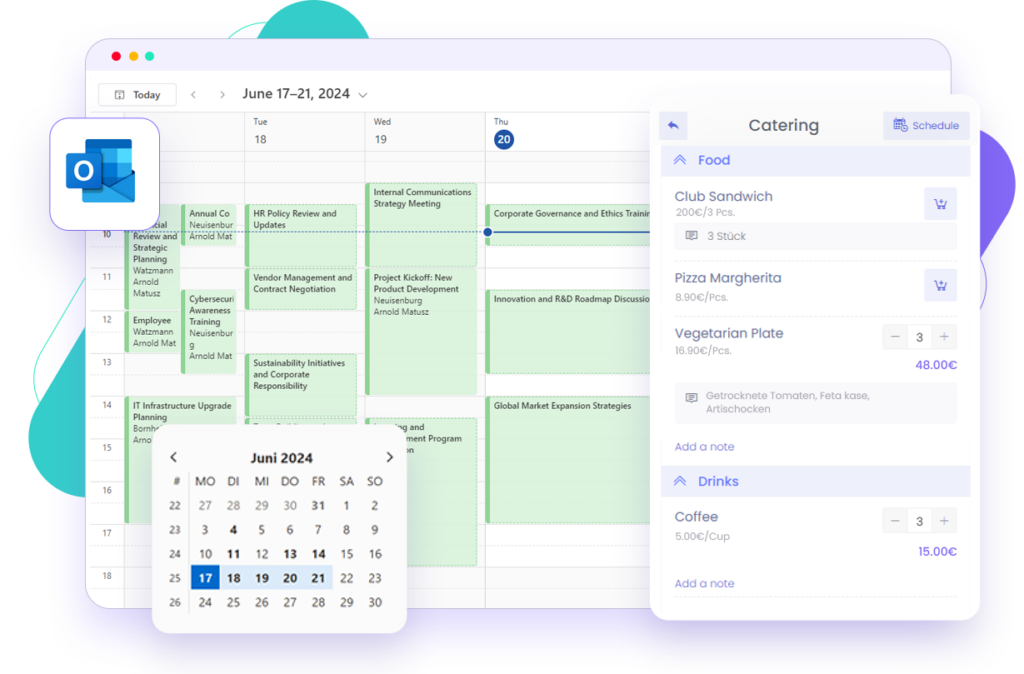
The way meetings are organized and conducted has changed significantly in recent years. Companies increasingly require flexible solutions to tailor spaces to their needs and support various event formats. arbooMEET provides exactly that – an intelligent platform for planning and adapting meeting rooms.
With arbooMEET, seating arrangements can be customized based on the meeting type. Whether it’s a classic conference setup, an open U-shape for workshops, or hybrid configurations for virtual participants, the platform enables seamless room booking and optimized space utilization. This allows companies to better align their meetings with specific requirements.
Especially for hybrid work models, arbooMEET offers a practical solution to seamlessly integrate digital and physical meetings. By enabling flexible room concepts, it creates a comfortable environment that fosters productive discussions and smooth collaboration.
Related Content


Meeting Room Booking as It Should Be, Straight from Microsoft Outlook